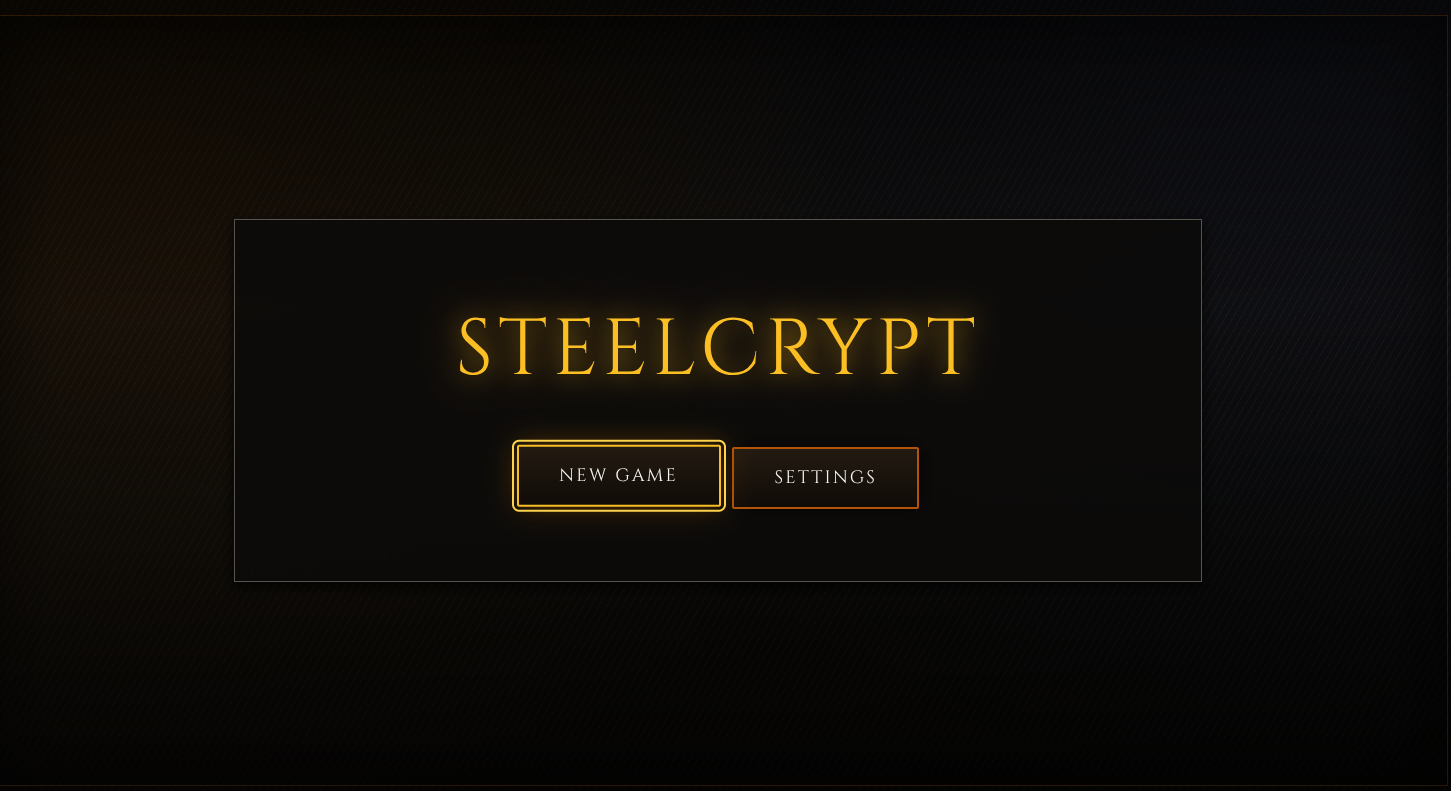
SteelCrypt
Honorable Mention in the Game-like Jam 7 - Rogue for the 'Completeness' category.
WARNINGS:
1. There are many unaccounted for bugs and glitches, this is very far from polished. I have a system for detecting engine bugs, should be a big scary modal warning you about it, If it doesnt happen, this its probably a game logic issue.
DESCRIPTION:
SteelScrypt (temporary name) is a fast-paced browser roguelike that combines classic dungeon-crawling depth with modern, responsive gameplay. Built from the ground up in TypeScript using a custom ECS-like (Entity Component System) architecture, each run offers a unique experience through procedurally generated dungeons and itemization.
The concept is "Diablo as a traditional roguelike" – the idea came to me a few months ago as I played (and got hooked by) the excellent DiabloRL project (sadly now abandoned), which you can play at https://diablo.chaosforge.org/. Rather than being a literal Diablo 1 clone as a roguelike game, this is a Diablo-inspired game with its own identity and ideas.
Features
- Procedural Dungeons – No two runs are the same with room-based cathedral generation
- Tactical Combat – Turn-based battles with critical hits, equipment bonuses, and strategic positioning
- Deep Progression – Level up, allocate attributes, and equip weapons, armor, and accessories
- Field of View – Shadow-casting visibility keeps you on edge as enemies lurk in the dark
- Diablo-Style Inventory – Manage limited space with stackable items and equipment slots
- Elite & Champion Monsters – Face increasingly dangerous foes as you delve deeper
Controls
- Arrow Keys – Move and attack
- I – Inventory
- C – Character sheet
- G – Pick up items
- Mouse – Navigate UI and menus
- 1-5 - Item Hotbar
- K - Skills Bar
- E - Inventory
- M/TAB - Toggle Minimap
- Space - Wait/Rest
- Q, W, E,R - Use Skills
To equip an item, press I to open your Inventory, then right-click on the item you want to use. A context menu will appear with options to equip, use, or drop the item.
Acknowledgments
"Tenebrous Brothers Carnival - Intermission" Kevin MacLeod (incompetech.com) Licensed under Creative Commons: By Attribution 4.0 License
"Night of Chaos" Kevin MacLeod (incompetech.com) Licensed under Creative Commons: By Attribution 4.0 License
'Incantation' by Scott Buckley - released under CC-BY 4.0.
'The Legend of Kvothe' by Scott Buckley - released under CC-BY 4.0.
Leave a comment
Log in with itch.io to leave a comment.